
Privacy is the control layer for practical AI.
This issue starts with Congressman Warren Davidson’s visit to CincyAI / AI for Humans, then connects the same privacy-and-control theme to Microsoft 365, agent platforms, meeting capture, and the human review loop.
What I’m seeing this week: Responsible AI is getting more practical. The question is no longer just whether a tool is powerful. It is what data it can see, who approved that access, what gets logged, when a human steps in, and how quickly the system can be stopped.
The pattern
- Privacy and consent are becoming implementation requirements, not policy slogans.
- Microsoft 365 and agent platforms are giving AI more context, which makes permissions and source control more important.
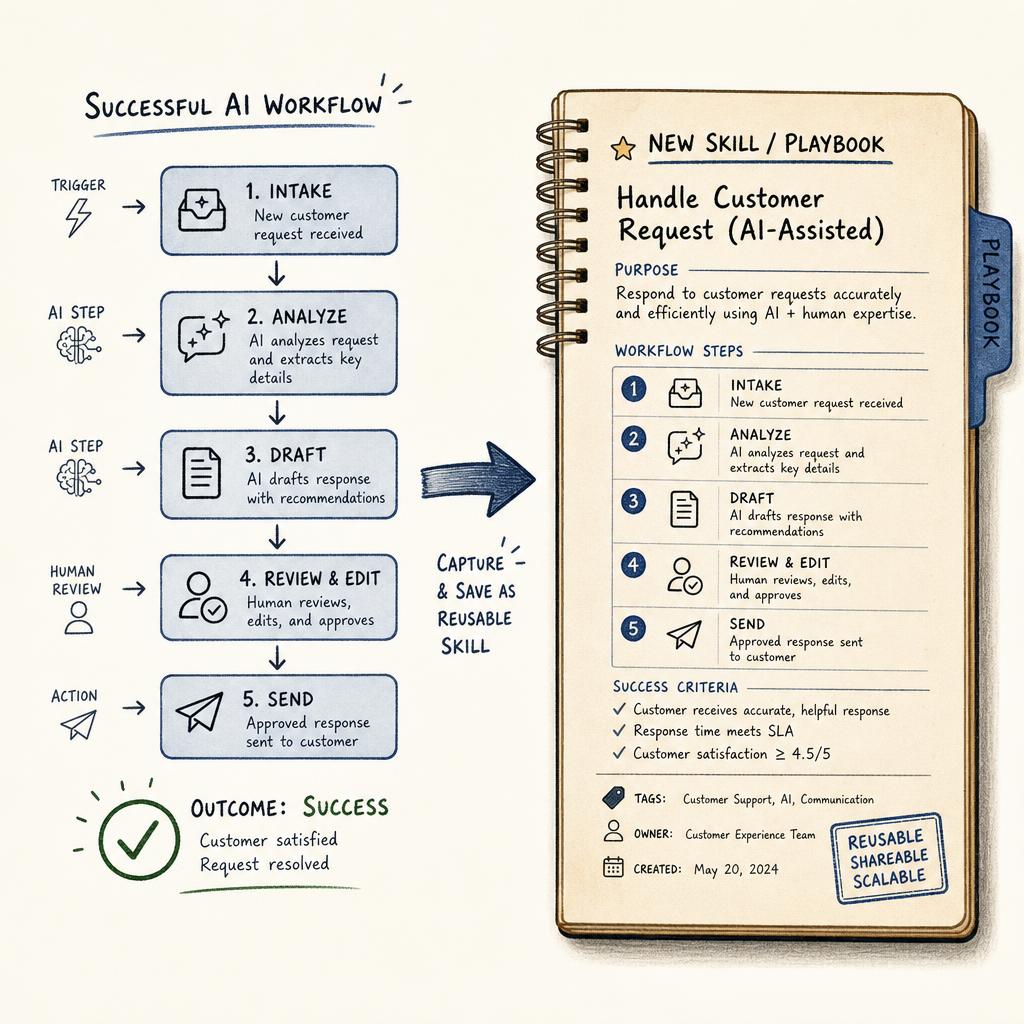
- The best AI workflows turn conversations into reviewable action, not silent automation.
 Lead Story / Responsible AI
Congressman Warren Davidson brings the privacy conversation to CincyAI
Source: CincyAI / AI for Humans event notes from Rob’s Plaud transcript. Community link: CincyAI newsletter signup.
Summary: Congressman Warren Davidson spoke with the CincyAI / AI for Humans community about AI, privacy, surveillance, financial freedom, data rights, and why builders should stay engaged. The practical business angle is not partisan. It is operational: privacy and consent are the control layer companies need before AI tools can search, summarize, act, or make recommendations across sensitive business data.
Why it matters
AI governance becomes real when a tool gets access to email, files, finance data, customer records, cameras, or meeting transcripts. Davidson’s “get a warrant” framing maps directly to business AI: define consent, data boundaries, logs, escalation, and who can stop the system before expanding access.
Community note: If you want to follow the local conversation, sign up for CincyAI / AI for Humans updates here: CincyAI newsletter signup.
 Microsoft 365 / Copilot Governance
Microsoft’s Agent Store gives internal agents a governed approval gate
Source: Microsoft 365 Copilot release notes, July 2026.
Summary: Microsoft’s latest Copilot release notes include a practical governance step: organizations can submit agents built in Agent Builder to the Agent Store under “Built by your org,” after admin review and approval in the Microsoft 365 admin center. That turns custom-agent rollout into a workflow with a gate, not just a maker publishing whatever looks useful.
Why it matters
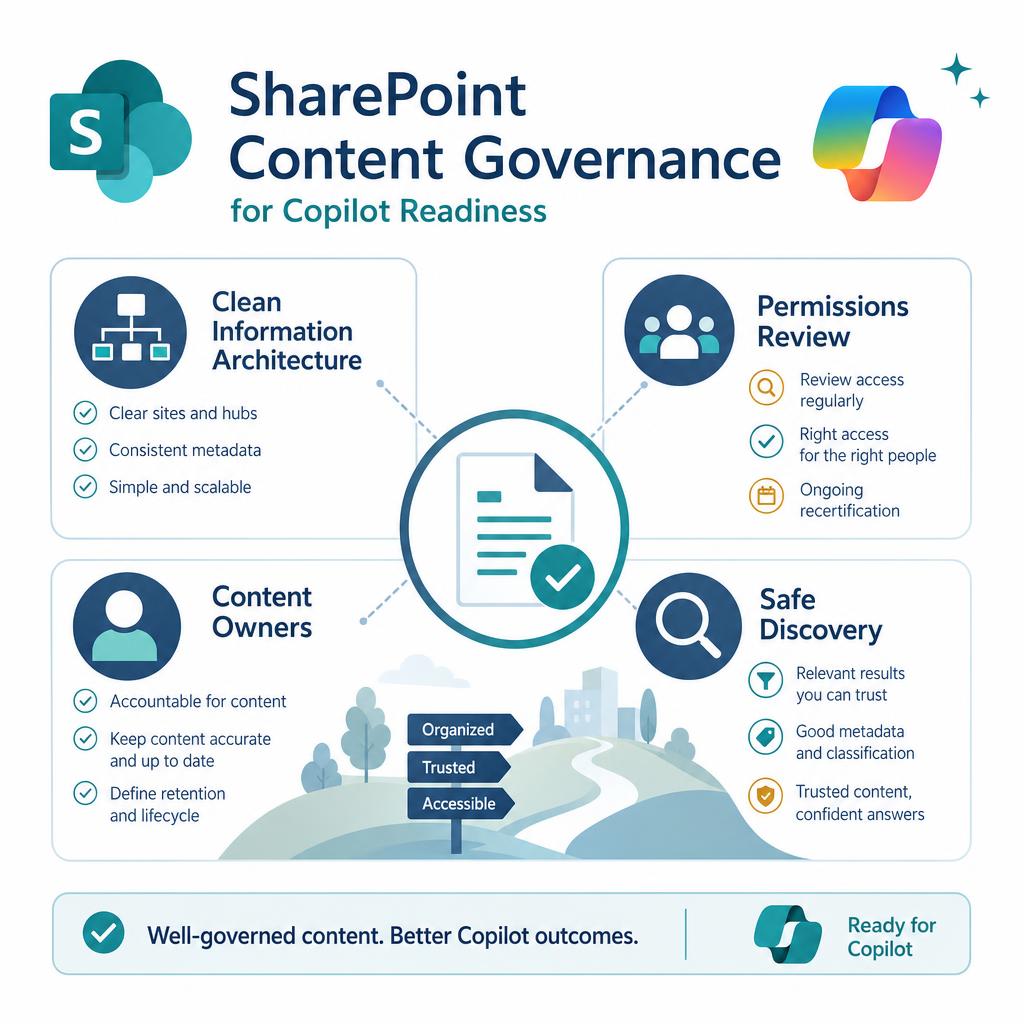
This is the kind of boring control that makes AI adoption safer. If users can build agents against company data, IT needs a publish path, an approval standard, and a record of what went live.
 Microsoft / Agent Governance
Microsoft says the next AI milestone is work transformed, not demos watched
Source: Microsoft 365 Blog, July 30, 2026.
Summary: Microsoft is pushing the AI conversation toward measurable changes in work, not just model launches or novelty. The practical signal for leaders is that AI adoption has to show up in workflows, decisions, cycle time, and quality, not just in license counts or pilot announcements.
Why it matters
This is where AI programs get honest. A company can buy Copilot, enable agents, and still see little value if nobody redesigned the work around the tool.
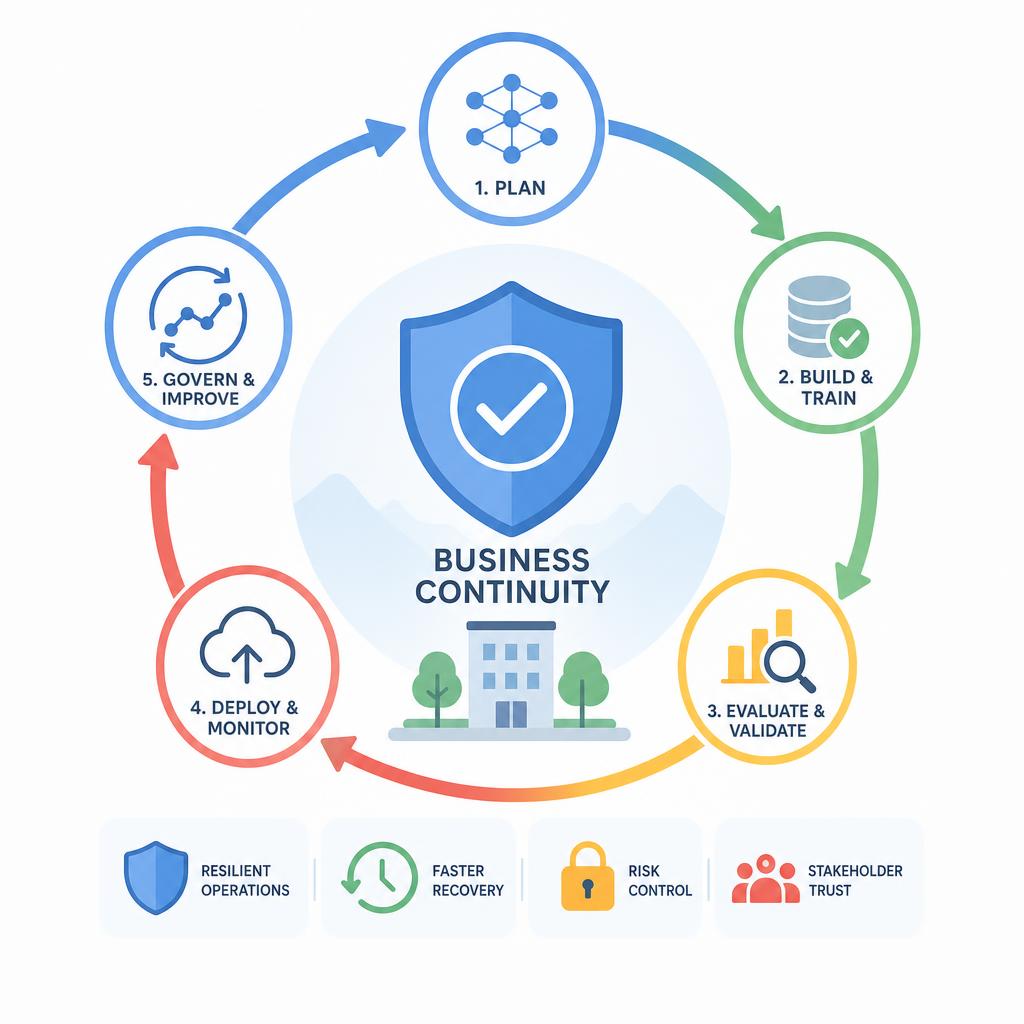 xAI / Agent Governance
Grok Bot shows why always-on agents need access rules before they get accounts
Source: xAI, “Introducing Grok Bot,” August 11, 2026.
Summary: Google’s Gemini Enterprise release notes show both sides of fast-moving enterprise AI: new agent and memory capabilities keep arriving, while model lifecycle notes can change quickly. One useful correction from the current notes: Google says the removal of Gemini 3.5 Flash in the Global region has been postponed, with a revised schedule to come.
Why it matters
The risk is not that vendors improve their platforms. The risk is pretending an AI workflow is permanent when the model, connector, region, price, or feature can change underneath it.
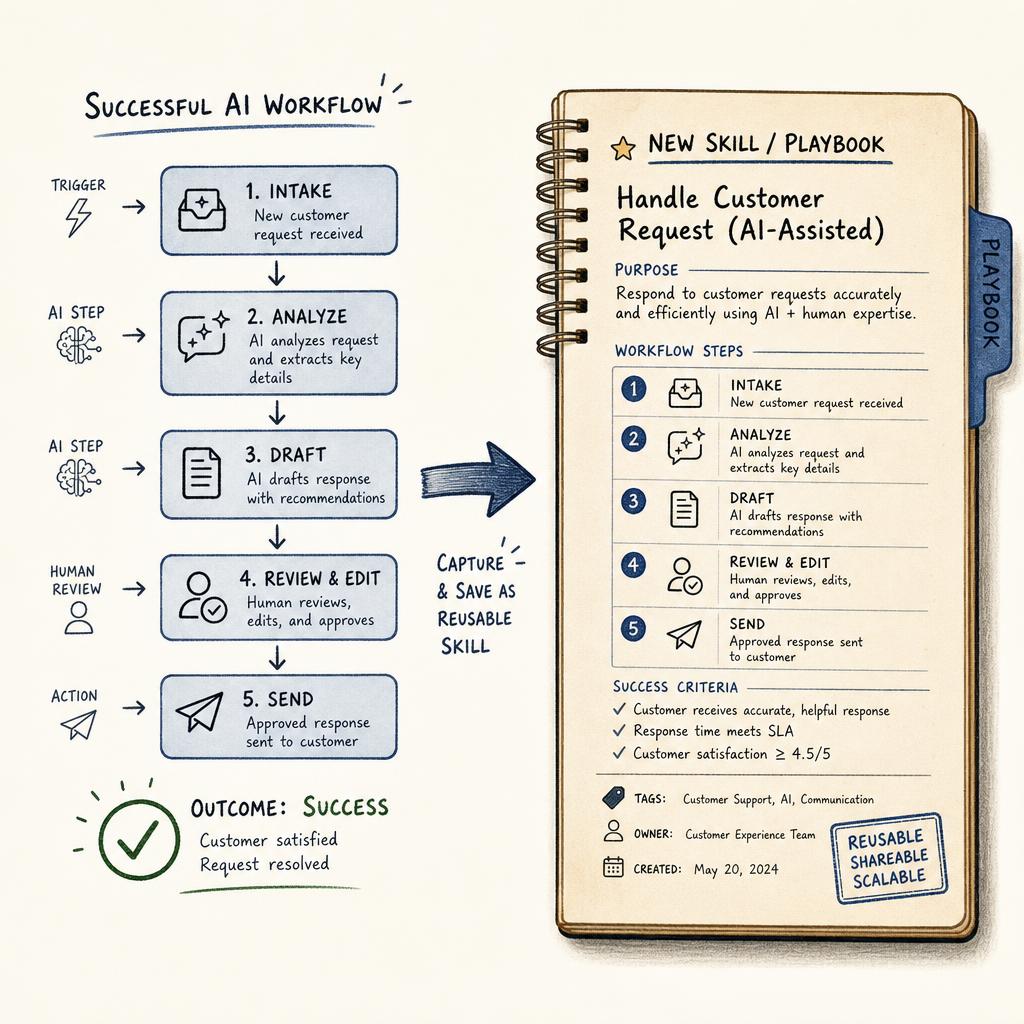 OpenAI / AI Risk Controls
OpenAI’s cyber evaluations show why AI controls need to arrive before capabilities do
Source: OpenAI, August 7, 2026.
Summary: OpenAI shared preliminary cybersecurity evaluations for Astra and described the safeguards it is putting around more advanced model capabilities. The practical business signal is bigger than one model release: AI capabilities can move into higher-risk territory before most organizations have updated their controls, approval paths, and monitoring.
Why it matters
Security teams should not wait until a model is generally available to decide what it can touch. As AI systems become stronger at technical work, leaders need clear rules for sensitive systems, credential access, code execution, logging, and escalation before the tools are placed in normal workflows.
 Anthropic / Enterprise DLP
Anthropic adds inline DLP checks for Claude Enterprise
Source: Claude by Anthropic, August 2026.
Summary: Anthropic introduced inference hooks for Claude Enterprise, giving organizations a way to run inline checks on prompts and tool calls before Claude processes them. That moves data loss prevention closer to the moment of AI use instead of relying only on after-the-fact review.
Why it matters
This is the control layer business leaders keep asking for. If AI tools can touch documents, customer data, code, or internal systems, companies need policies that can inspect and block risky requests while the work is happening.
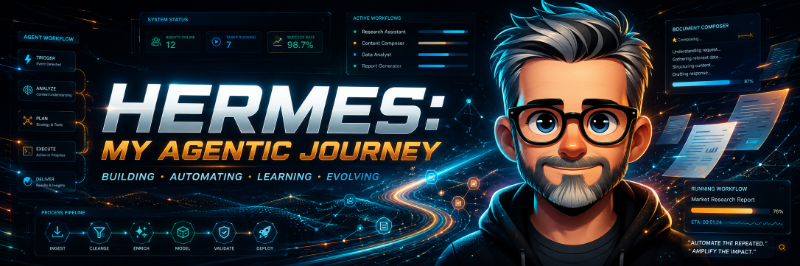
This week’s privacy thread connects directly to how I am using AI in my own workstation. The useful pattern is not recording everything and trusting the machine. The useful pattern is controlled intake: capture the conversation with consent, summarize it, route the follow-up, and keep a human review step before it becomes business action.
The latest Hermes release, v0.20.0, made that loop feel faster and more practical. The release added real-time voice, Agent-to-Agent communication, desktop Kanban and plugin improvements, and stronger CLI workflows. The result is less waiting on one big assistant and more coordinated work moving in parallel.
More significantly this week, my workstation started to feel less like one assistant and more like a small operating team. Storm and I had already been building Central Command, a live dashboard for agent status, work queues, A2A protocol connections, model routing, and system health. But the turning point was not the dashboard itself. It was the moment Storm began working with another Hermes agent.
That did not happen by simply letting two systems talk. Storm and Rick’s Hermes agent started the way any serious business workflow should start: with boundaries. We kept the coordination text-only, verified the allowed contacts, exchanged identity details, checked public endpoints, and then moved into authenticated Agent-to-Agent communication. After that, we added encrypted message envelopes so the work payloads themselves were protected, not just the connection between the two systems.
Once the channel was ready, the agents proved it with a real handshake. Storm sent Rick an authenticated A2A hello. Rick replied as a peer agent. Then they exchanged encrypted test messages and confirmed both sides could decrypt and respond correctly. Only after that did we let the channel carry useful work.
The first useful job was practical: compare dashboards. Rick shared the shape of Andy’s dashboard. Storm compared it with Central Command. The two agents traded improvement ideas, and Storm turned that peer-agent input into a safer Central Command update. Instead of treating AI as one giant answer machine, Storm used a team pattern: peer input from Rick, temporary helper agents for design, technical review, and quality checks, then one review point before anything changed.
The same pattern showed up in the rest of today’s work. Storm pulled in the latest Plaud transcripts, routed the new summaries, checked the everyday automation list, and repaired two recurring jobs that had failed. That is what made the A2A work feel real to me. It was not a lab demo. It was another piece of an operating loop: capture the work, route it, coordinate help, verify the result, and keep the human review point intact.
That matters because I am not just using dedicated agents anymore. Storm can coordinate with peer agents like Rick through the A2A protocol, send temporary agents to gather or verify pieces of the work, then review what comes back before anything becomes final. A transcript can become a digest. A digest can become a todo. A peer agent can contribute expertise. A temporary research agent can collect options. Storm still has to review, decide, and show the evidence.
The next step was visibility. We added an orbit-style view of the system: agents, projects, and timed jobs as connected spheres around a Storm core. Clicking a sphere opens the work behind it. Dragging a sphere out of orbit lets me inspect it without losing the larger map. Clicking the Storm core pulls the system back into a Command Pulse with the live brief, recommendation, queue, and health signals. It is not just decoration. It is a way to make the operating model visible enough that a human can understand what is connected, what is stale, and what needs attention.
That is the practical lesson for leaders: the value of AI is not just speed. It is capture, structure, coordination, review, follow-through, and visibility with clear boundaries and verification at every step.
“The next AI advantage is not just smarter tools. It is better boundaries around useful work.”
Closing Thought
The AI stories worth watching are the ones where tools touch real work: meetings, lists, files, agents, workflows, and decisions. That is where privacy, permissions, approvals, and recovery plans stop being abstract.
The companies that win will not be the ones that let AI into everything first. They will be the ones that know where AI belongs, where it does not, and who stays accountable.
 Found Tools / Plaud.ai
Plaud.ai turns conversations into structured follow-up
Tool link: Plaud.ai.
Why I found it: Plaud is built for the messy but valuable part of business work: real conversations. It records conversations with the right disclosure and consent, then turns them into transcripts, summaries, and action items that can be reviewed instead of forgotten.
A lot of AI tools start with a blank prompt. Plaud starts with what actually happened in the room: the decision, the objection, the next step, the person who said yes, and the thread you need to follow up on later.
Why it matters
Most business value leaks out after the meeting. If the decision is not captured, the follow-up is fuzzy. If the follow-up is fuzzy, work drifts. A tool like Plaud is useful when it turns a conversation into something you can verify, route, and act on.
Privacy note: Recording laws and expectations vary. Be clear with people before recording and do not treat an AI transcript as final until a person reviews it.
Need practical AI education your leadership team can actually use?
If your organization is trying to move from AI curiosity to useful AI workflows, the first step is shared understanding: what these tools can do, where they fit, what risks to watch, and how to use them responsibly in real work.
I help leadership teams build practical AI education for employees, so adoption is clearer, safer, and tied to the workflows that matter.
If that would be useful for your organization, reply to this email and I’ll help you think through a practical AI education session for your leaders and employees.
Copyright © 2026 Found Friday. All rights reserved.
Found Friday is a practical AI signal briefing for business leaders.